intel_realsense
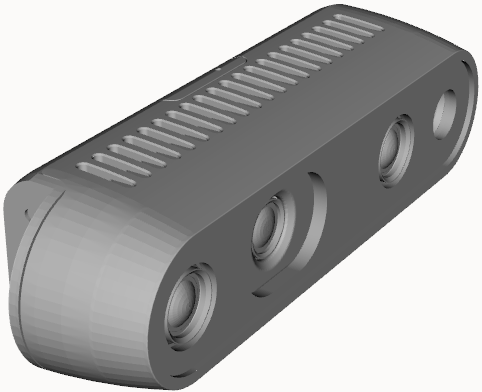 | |
Package and Setup
The Intel Realsense cameras use the realsense_ros ROS 2 driver. The driver is open source, maintained by Intel, and hosted on GitHub. The realsense_ros nodes depends on the the librealsense2 SDK. Both packages will be installed alongside the clearpath_sensors package.
For specifics on the way Clearpath's configuration system launches the camera, see the Intel Realsense launch file and the default parameter file in clearpath_sensors.
Device Type and Serial Number
The device_type and serial_no parameters must be set accurately to successfully launch the node. Both of these values can be found using the SDK utility.
Use the following command to see a list of connected Intel Realsense devices:
rs-fw-update
When ran without any arguments, the rs-fw-update will return information about the connected devices, as is shown below:
Nothing to do, run again with -h for help

Connected devices:
1) Name: Intel RealSense D435, serial number: 045322073417, update serial number: 041323020523, firmware version: 5.12.13.50, USB type: 3.2
The device_type is the alpha-numerical sequence in the name. In the example above, set device_type to d435.
The serial_no is the string following the serial number entry. In the example above, set serial_no to "045322073417". Make sure to use quotes to ensure that the serial number is interpreted as a string.