tower
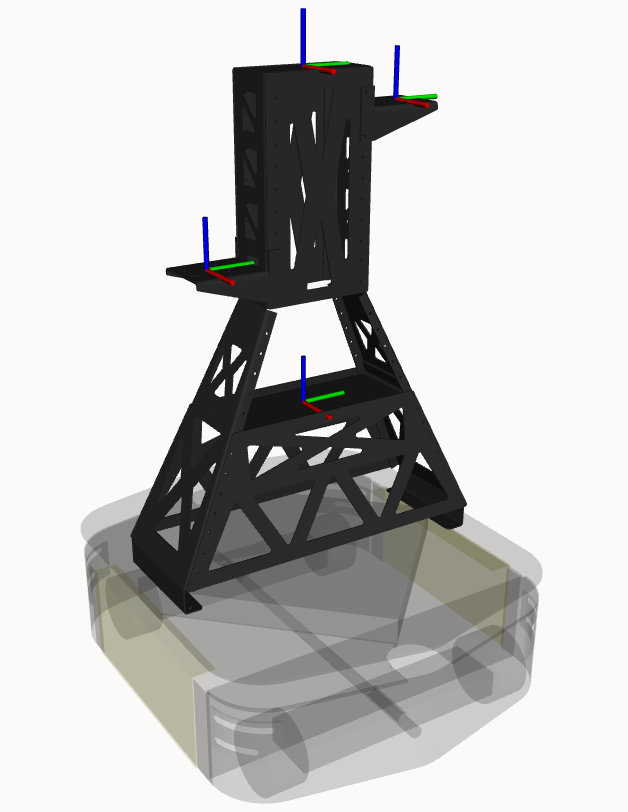 | |
The height of each arm mounting location or "shoulder" can be adjusted by using the left_height and right_height parameters. These height parameters correspond to the vertical distance from the lowest screw mounted location. There are seven screw mounting locations that are separated by 40 mm. The lowest mounting location corresponds to height 0.0 and the highest mounting location corresponds to height 0.28. In the example above, the tower's right arm mount is set to height 0.0 and the tower's left arm is set to height 0.28.
Payloads can be added to the tower using the links: tower_mid_link (at the center of the tower), tower_top_link (at the top of the tower), tower_left_shoulder_link (at the center of the left tower mount), and tower_right_shoulder_link (at the center of the right tower mount). The name of these links corresponds to the name parameter set in the robot.yaml.